Profile Manager - Documentation
Description: Makes handling profiles easy by giving you an UI to easily import settings from one profile to another A QGIS Plugin that provides an UI to easily manage your profiles and import various settings from one profile to another. Compatible with QGIS Deployment Toolbelt (QDT).
Author and contributors: WhereGroup GmbH, Oslandia
Plugin version: 0.7.4
QGIS minimum version: 3.28
QGIS maximum version: 4.99
Source code: https://github.com/WhereGroup/profile_manager/
Last documentation update: 24 April 2026
Profile Manager is a QGIS plugin designed to simplify the creation, maintenance, and synchronization of QGIS user profiles. It provides a graphical interface to copy, modify and transfer configuration elements between profiles.
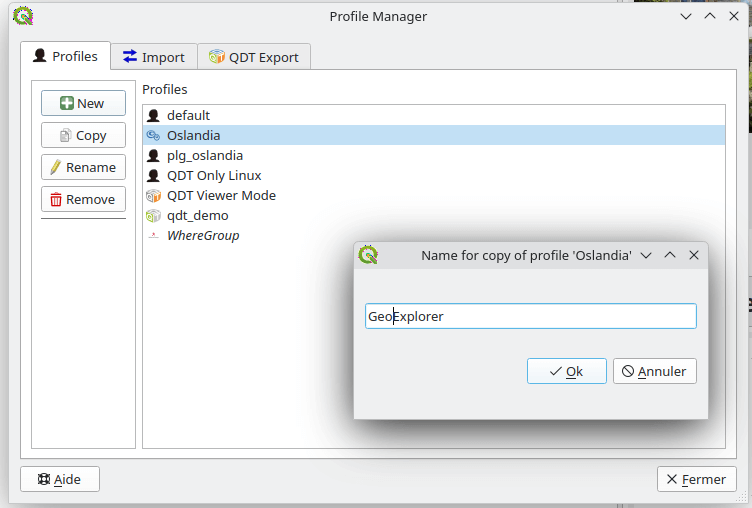
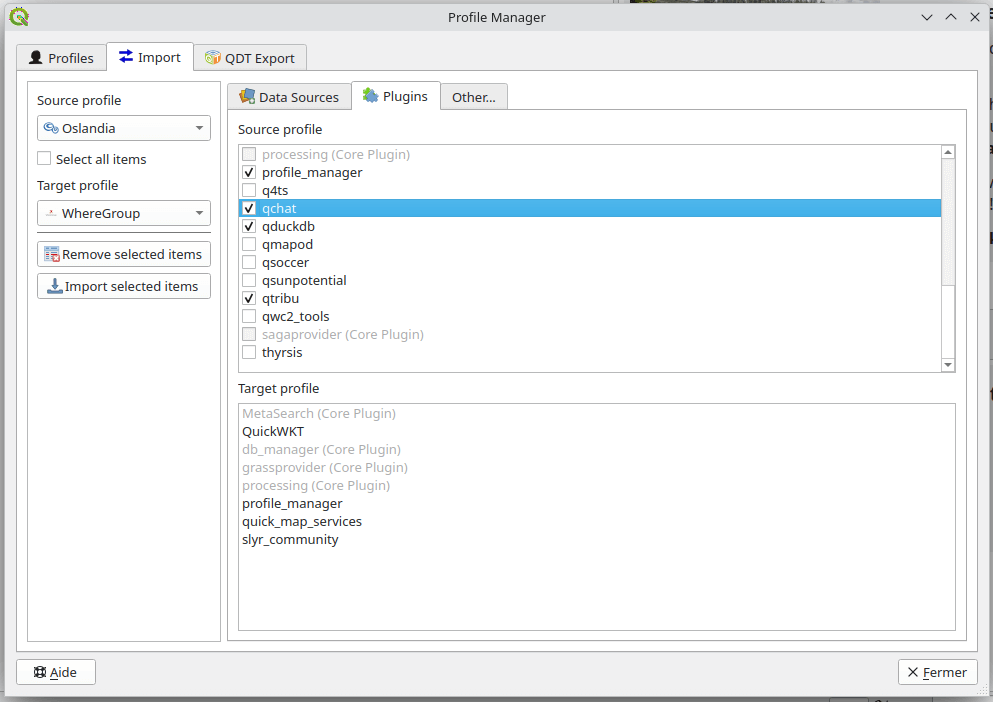
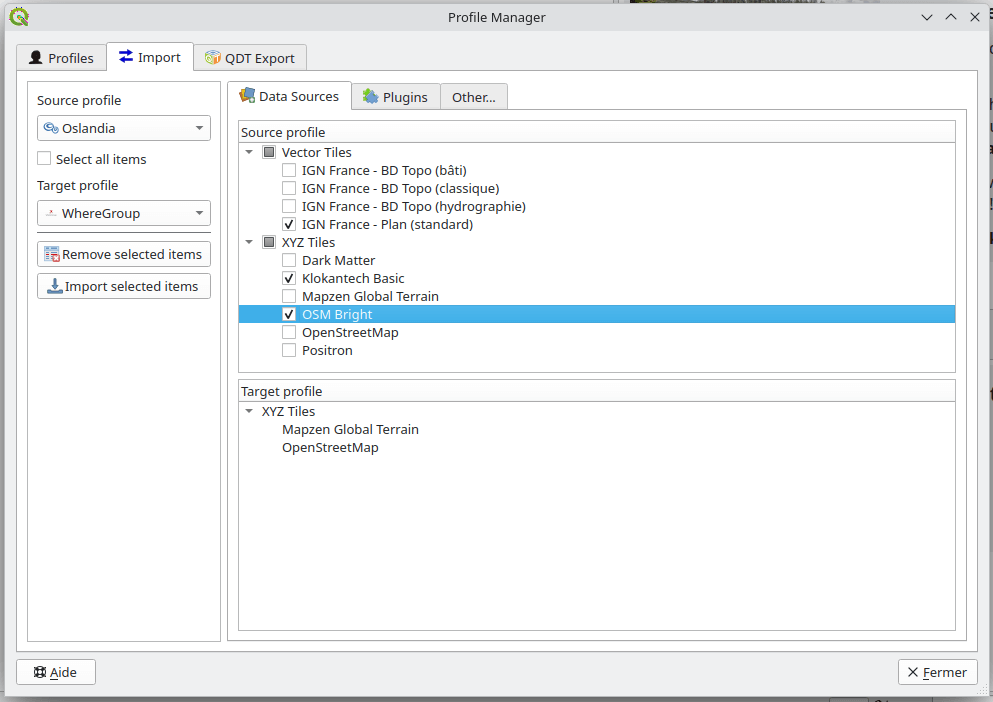
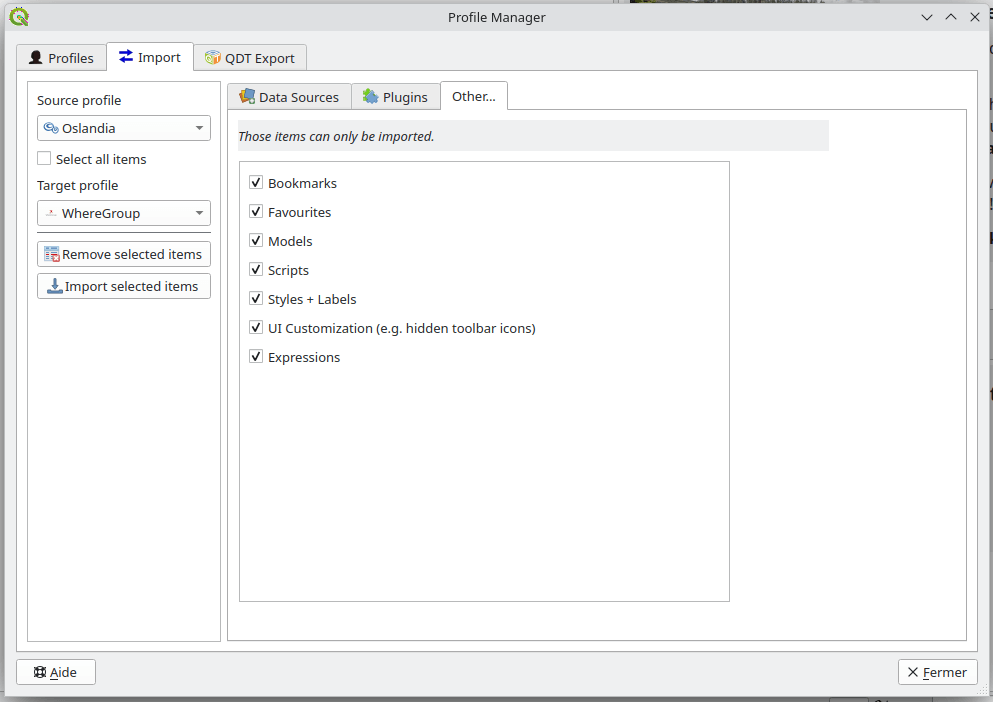
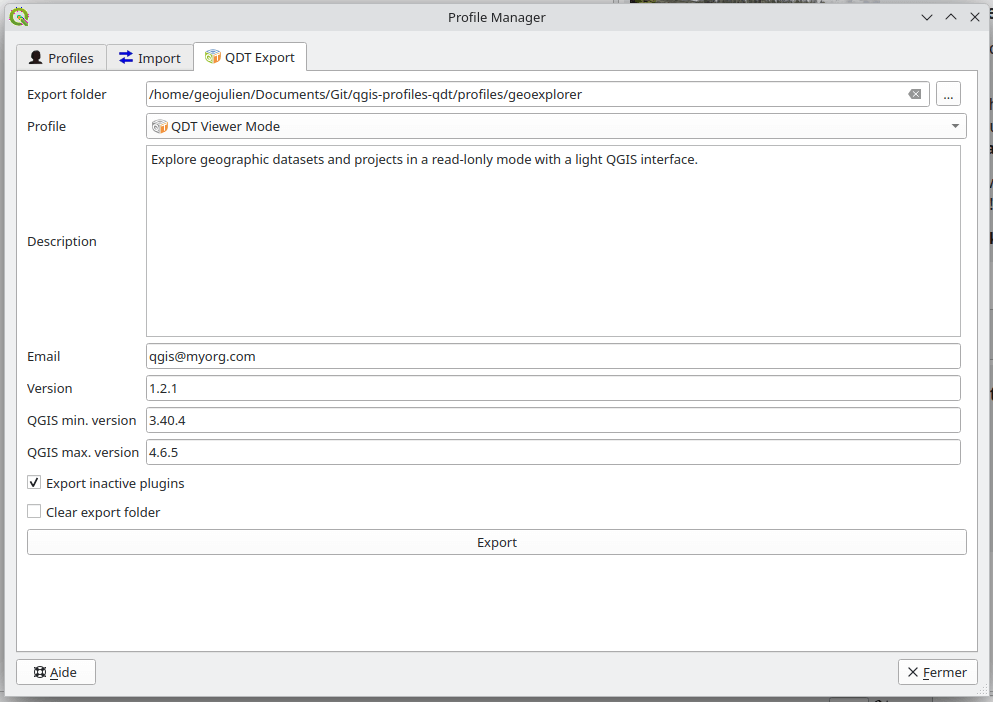
This tool is particularly useful in environments where:
QGIS must be deployed across multiple workstations
Standardized configurations must be maintained
Profiles must be prepared before automated deployment (e.g., using QGIS Deployment Toolbelt aka QDT)
Typical use cases
Preparing a reference profile
Administrators or power users can create a validated profile containing:
Approved plugins
Preconfigured data connections
Corporate styles and templates
Standard environment variables
This profile can then be distributed manually or through deployment tools such as QDT.
Maintaining multiple work contexts
Examples:
Production vs testing environments
Each profession has its own QGIS profile
Different customers or projects
Training vs operational setups
Supporting automated deployment
Profile Manager allows users to prepare or adjust profiles before exporting or integrating them into automated deployment pipelines.
Table of contents
Usage