Transferring Configuration Between Profiles
Profile Manager allows partial configuration transfers without copying an entire profile. This is useful when updating an existing deployed profile with new components.
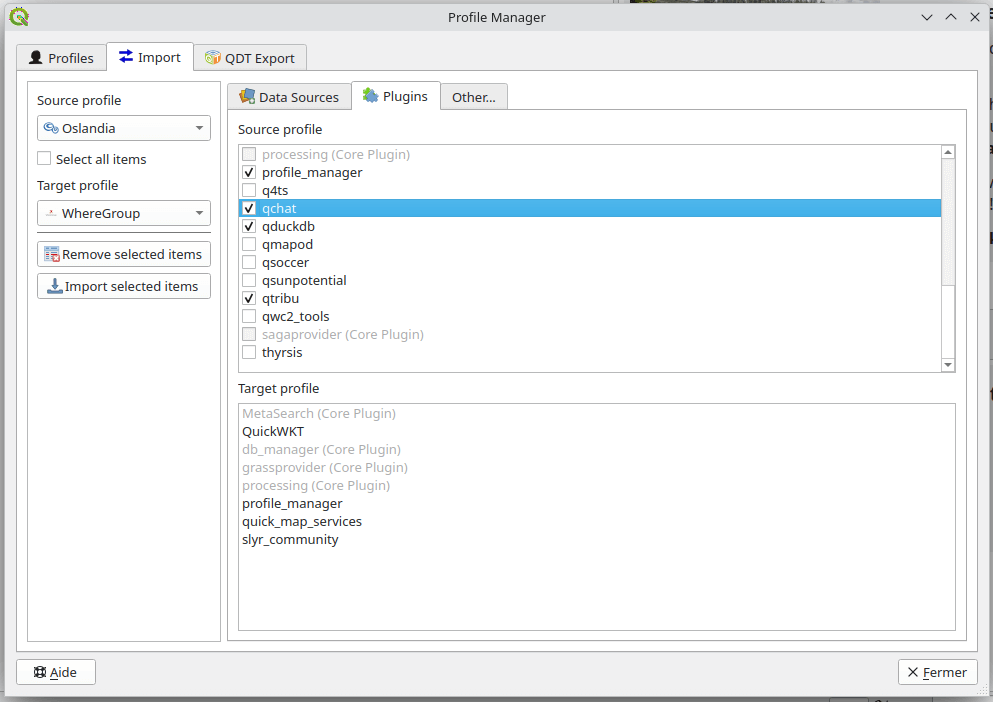
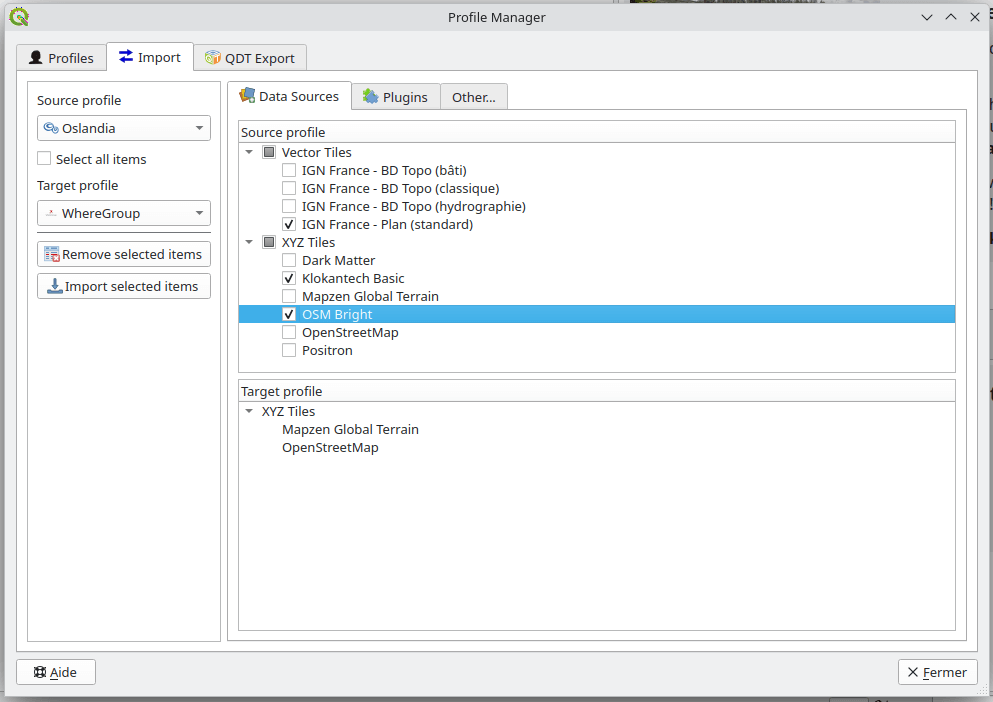
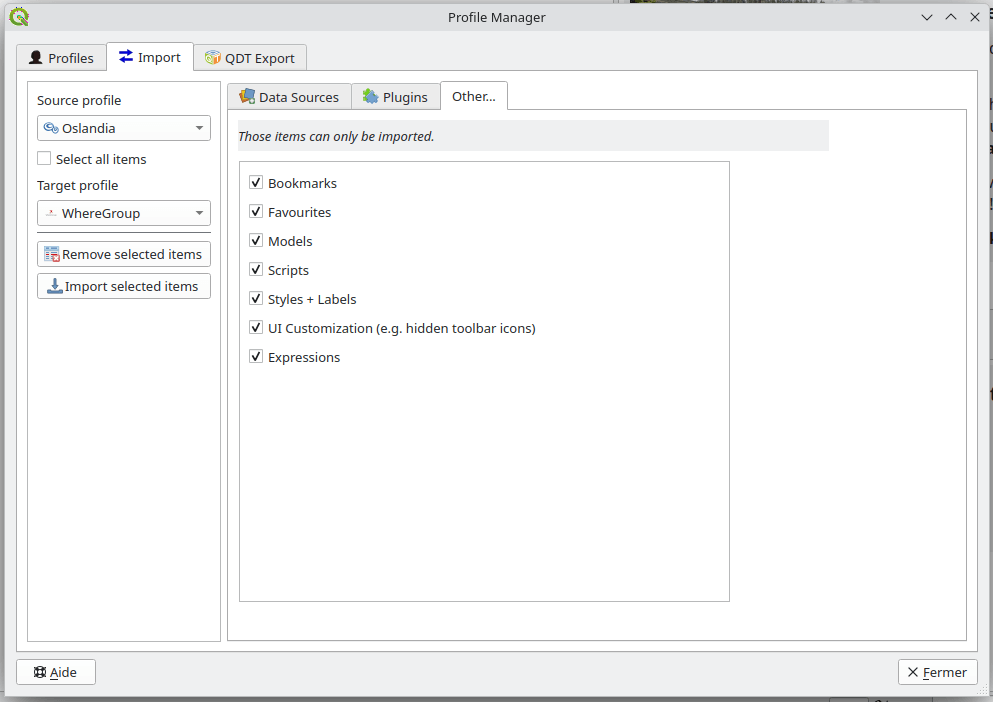
Import Workflow
Open the Import section
Select:
Source profile
Target profile
Choose configuration elements to transfer
Start the import process
Transferable items
Depending on the QGIS and plugin versions, you may transfer:
Database connections
Web service connections (WMS, WFS, etc.)
Installed plugins
Styles and symbols
Bookmarks
Processing models and scripts
User variables
Custom Python functions