Managing QGIS profiles
Creating a New Profile
Open Profile Manager
Click Create Profile
Enter a profile name
Confirm the creation
The profile becomes available the next time QGIS is started or when switching profiles.
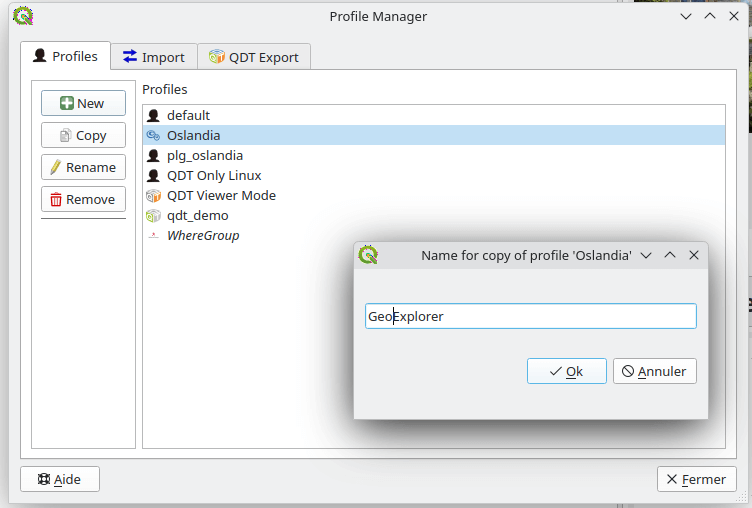
Copying a Profile
Copying allows you to duplicate a fully configured profile.
Steps:
Select the source profile
Click Copy Profile
Provide a new profile name
Confirm
This operation duplicates all settings and configuration data.
Renaming a Profile
Select the profile
Click Rename Profile
Enter the new name
Confirm
Deleting a Profile
Select the profile
Click Delete Profile
Confirm deletion
Caution
Removing a profile deletes its configuration directory. Backups are strongly recommended before deletion.